Canon Printing Guide for Synthetic Paper and Self-Adhesive Sheets
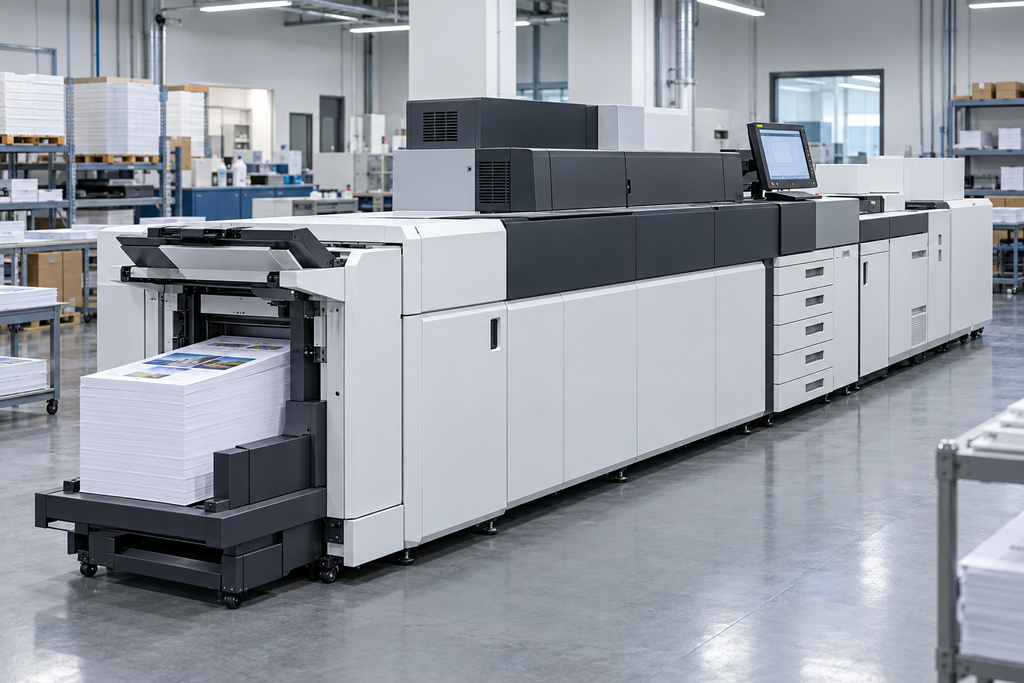
Choosing Synthetic Paper for Canon Digital Printing
When selecting synthetic paper for Canon digital printing, start with the press model, printing technology and intended application. A material suitable for one machine should not automatically be used on another.
For PET synthetic paper for Canon toner printing, request a grade intended for dry-toner imaging. Confirm its printable surface, thickness and suitability for the proposed equipment. PET composition alone does not establish compatibility with the machine’s fusing conditions.
PP synthetic paper also requires grade-specific confirmation. Materials developed for offset or aqueous inkjet printing should not be substituted for toner-printing grades without evaluation.
Canon’s imagePRESS V900/V800/V700 documentation advises users considering synthetic polypropylene or polyester to contact their dealer or service representative.
Before requesting samples, identify:
- Your Canon press model and installed feeding equipment.
- Required sheet size, thickness and surface finish.
- Single-sided or double-sided printing requirements.
- The finished application, such as menus, tags, labels or durable instructions.
Self-Adhesive Label Sheets for Canon imagePRESS
For self-adhesive label sheets, assess the complete construction: facestock, adhesive and release liner.
Request total thickness and basis weight, rather than considering the face material alone. Confirm the permitted feed tray, output path and duplex limitations for your machine configuration.
A successful trial should demonstrate stable feeding, acceptable toner adhesion and reliable label converting.
Preparing Synthetic Paper and Self-Adhesive Sheets
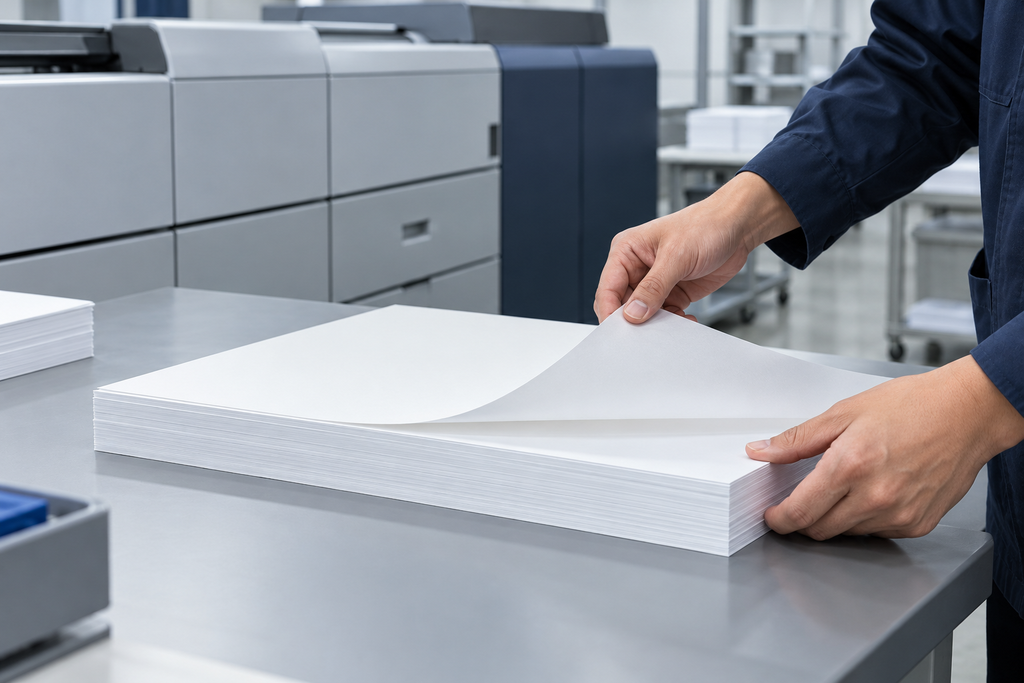
Protect materials from dust, grease and handling contamination. Follow the supplier’s storage and conditioning instructions before opening the packaging and loading the press.
Inspect sheets for curl, damaged corners, uneven edges and exposed adhesive. Separate sheets gently where appropriate, keeping the stack aligned.
For pre-die-cut labels, avoid bending the sheets enough to lift labels from the liner. Remove damaged sheets before printing.
If static causes sheets to cling together, review the separation and static-control arrangements permitted by the press manufacturer.
Canon imagePRESS Media Settings for Synthetic Paper
Select a suitable media entry or register a custom paper type according to your model’s instructions.
Canon’s V900-series guidance describes duplicating a similar paper type as the starting point for a custom entry. This provides a configuration starting point; it does not confirm compatibility of an untested material.
Check that the media information in the press, feed tray and print job agrees.
- Enter the actual sheet dimensions and relevant material characteristics.
- Use the documented basis weight; do not estimate gsm from thickness alone.
- Select a feeding route permitted for the material and machine configuration.
- Confirm whether the proposed printing and finishing options are supported.
Do not apply one universal “heavy paper” setting to every synthetic sheet or label construction. If the material jams, distorts or shows weak toner adhesion, stop the trial and review compatibility and approved settings.
Testing Toner Adhesion on PET Synthetic Paper
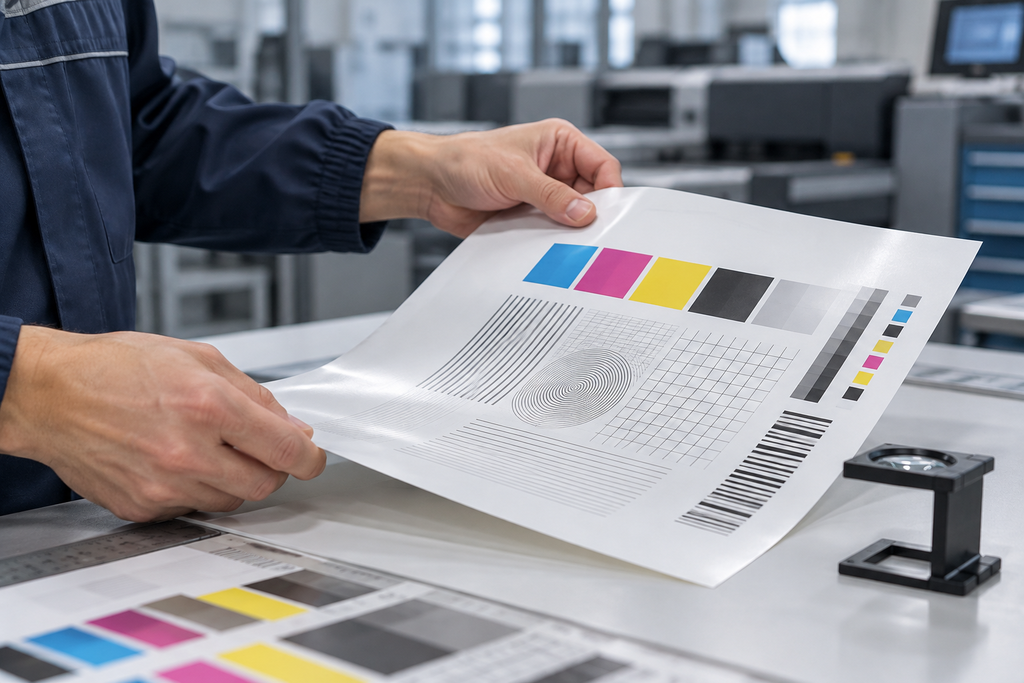
A production trial should use the intended material grade, artwork, press settings and finishing process.
Include solid colours, fine detail and registration marks. Where barcodes are part of the finished product, print and verify the actual barcode design.
Allow prints to cool and follow any specified conditioning period before assessing toner adhesion. Agree on the test method and acceptance criteria before approving the material.
Check:
- Feeding: double feeds, skew, jams and interruptions.
- Print quality: colour consistency, fine detail and registration.
- Toner adhesion: resistance to lifting or loss during agreed testing.
- Finishing: clean cutting, fold appearance and print durability.
- Label performance: dispensing and adhesion to the intended surface.
Waterproof Synthetic Paper for Canon Printing
Water resistance of the substrate does not guarantee water resistance of the complete printed product.
For menus, assess the print after exposure to the cleaning products and wiping method actually used. For tags and instructions, test wet handling and abrasion relevant to the application.
For self-adhesive labels, evaluate the print, adhesive and liner construction together. Apply labels to the actual container or surface and assess them under the intended service conditions.
Retain the approved sample and record the material batch, media profile, feeding route and trial results for repeat orders.
Frequently Asked Questions
Can every Canon printer print synthetic paper?
No. Suitability depends on the printer model, printing technology and exact material grade. Approval for one Canon press configuration does not establish compatibility with another.
Which media setting should I use for PET synthetic paper?
Use the actual material data and your model’s media guidance. Do not assume that a particular thickness corresponds to a specific gsm setting.
Can self-adhesive label sheets be printed double-sided?
Only where the machine guidance and complete label construction permit it. Confirm the permitted media path and test before production.
Does waterproof synthetic paper guarantee durable toner printing?
No. Toner adhesion, rubbing resistance and performance after water exposure must be evaluated on the finished print.
What information is needed for a bulk material enquiry?
Provide the Canon model, material type, sheet size, thickness, application and estimated quantity. For self-adhesive materials, include adhesive, liner and application-surface requirements.
Request Material Samples for Your Canon Press
Tell us your press model, material type, sheet dimensions, thickness, application and quantity. Include adhesive and liner requirements for labels.
Email: yishu.materials@gmail.com