Kodak NexPress Printing Guide for Synthetic Paper and Self-Adhesive Sheets
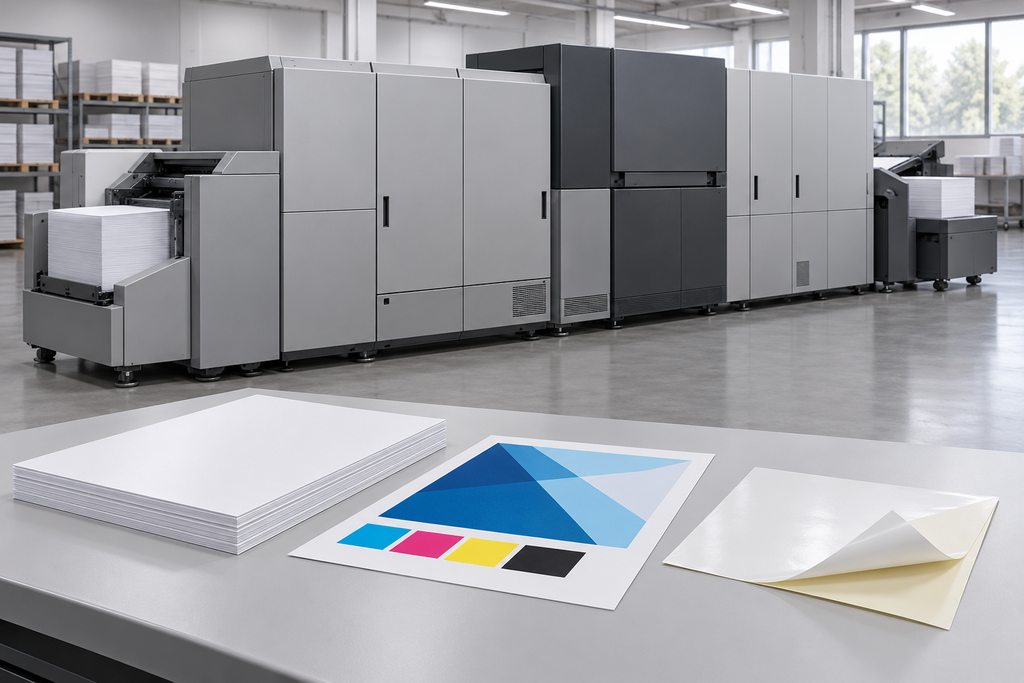
Printing synthetic paper and self-adhesive sheets on a Kodak NexPress requires more than matching the press’s paper-weight range.
Material construction, printable surface, total thickness, flatness and response to the printing process can all affect feeding and finished-print quality.
For commercial printers, label converters and material distributors, a structured media trial helps identify problems before a bulk purchase.
Use this guide to prepare your specifications, evaluate samples and discuss material requirements with YISHU.
1. Choose Synthetic Paper and Labelstock for the NexPress Process
Kodak NexPress uses a dry-toner printing process with heat fusing. The material must therefore be appropriate for the printing and handling conditions of the specific press.
A stock described as suitable for UV inkjet or offset printing should not automatically be treated as NexPress-compatible.
For synthetic paper, confirm the base polymer, printable treatment, thickness and intended use.
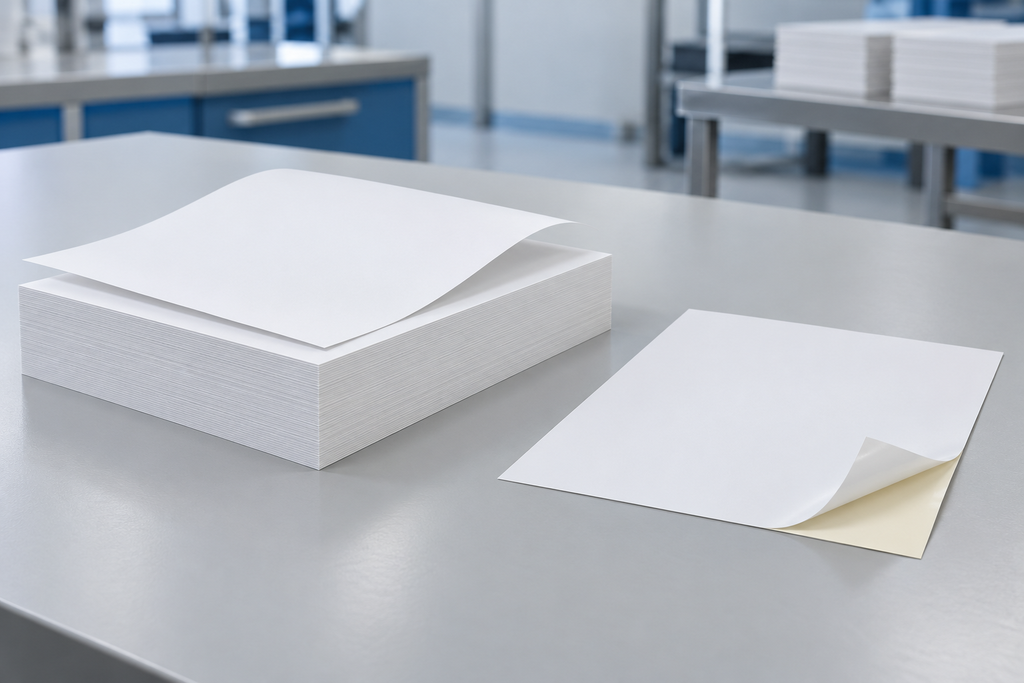
For self-adhesive sheets, assess the complete construction:
- Printable facestock.
- Adhesive.
- Release liner.
- Any die-cutting, perforations or liner slits.
A printable facestock alone does not establish the suitability of the finished label sheet. Adhesive stability, liner behaviour and label-edge integrity must also be evaluated.
Ask for grade-specific information and representative samples rather than relying on a general “digital printable” description.
2. Confirm Your NexPress Model, Configuration and Media Limits
NexPress capabilities depend on the press model, installed options and software configuration.
Kodak’s published material describes optional expanded media support, demonstrating why an upgraded press and a standard configuration should not be assumed to have identical limits. Those published limits do not approve every synthetic grade within the stated thickness.
Before requesting a quotation, prepare the following information:
| Specification | Information to Confirm |
|---|---|
| Press | Exact Kodak NexPress model |
| Configuration | Relevant media-handling options and installed upgrades |
| Material | Polymer, grade and printable surface |
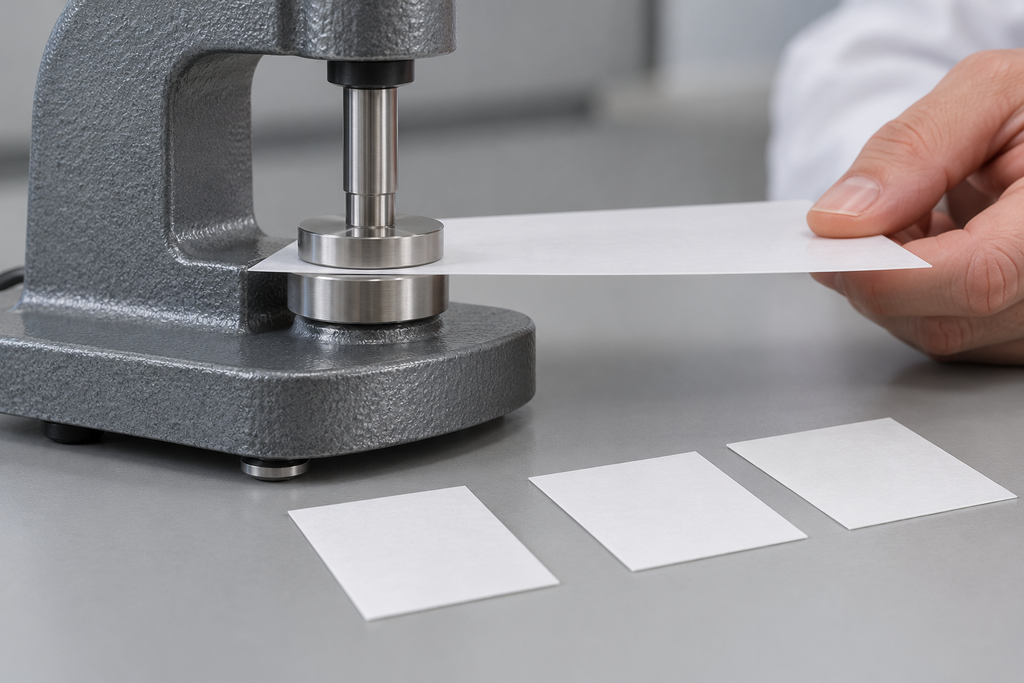
| Thickness | Total caliper and permitted tolerance |
| Basis weight | GSM, recorded separately from thickness |
| Sheet format | Width, length and required feed orientation |
| Label construction | Facestock, adhesive and liner, where applicable |
| Printing requirement | Single-sided or proposed double-sided workflow |
| Finishing | Cutting, folding, punching, laminating or label application |
For self-adhesive sheets, specify total construction thickness rather than facestock thickness alone.
Use documentation applicable to your machine and confirm unfamiliar media with your Kodak support representative.
3. Prepare Synthetic and Self-Adhesive Sheets for Feeding
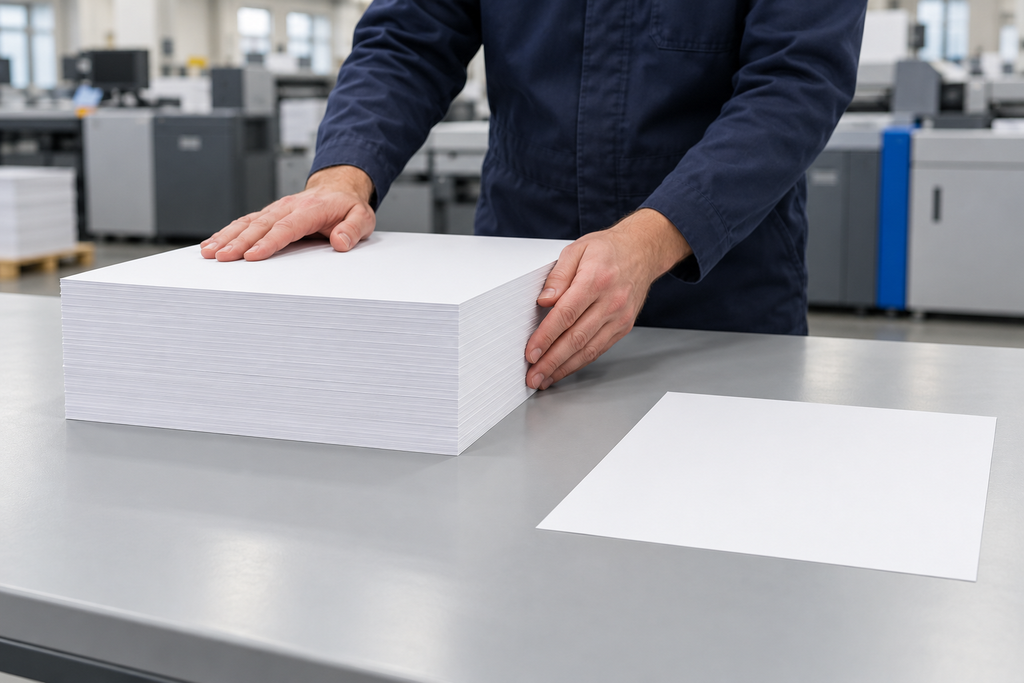
Flat, clean and undamaged sheets provide a more useful starting point for a media trial.
Keep stock protected in its original packaging. Follow the material supplier’s conditioning instructions and avoid opening more material than needed for the planned run.
Before loading, inspect for:
- Curl or waviness.
- Bent corners and damaged edges.
- Dust or surface contamination.
- Lifted die-cut labels.
- Exposed adhesive.
- Damaged release liners.
Do not attempt to compensate for severely curled or damaged labelstock through feeder adjustments alone.
Confirm loading orientation for the exact tray and sheet construction. Follow the operator documentation for stack height, guides and sheet-separation settings.
During printing, monitor misfeeds, double feeds, skew and output-stack alignment. Record whether problems occur immediately or develop as the run progresses.
Repack unused stock promptly according to the supplier’s storage guidance.
4. Use Grade-Specific Media Settings and Check Heat Response
A media setting that works for one polyester or label construction may be unsuitable for another.
Start with the setup recommended for the exact grade and press configuration. Confirm the media category, thickness entry and any required operating procedure with the operator or support team.
Avoid applying a universal fusing temperature from an unrelated supplier’s guide.
Run an initial trial using representative artwork and inspect for:
- Toner adhesion and surface marking.
- Curl after printing.
- Dimensional change.
- Blistering or layer separation.
- Adhesive movement or edge contamination.
- Labels lifting from the liner.
If poor adhesion occurs, review material compatibility and setup before increasing heat. Additional heat may introduce other defects.
Keep a record of approved settings linked to the material grade, thickness and printin
5. Verify Duplex Permission Before Testing the Finished Product
Do not assume that synthetic media can be duplexed simply because the press supports duplex printing on paper.
Confirm whether the specific material and machine configuration permit automatic duplexing, a separate second pass or single-sided printing only.
Manual duplexing should not be used to bypass a single-sided restriction.
Once the permitted workflow is established, test the artwork and finishing operations required for the actual job.
Toner Adhesion and Rub Resistance
Assess print retention using an agreed procedure. Record assessment timing, contact material and test conditions.
Cutting, Folding and Punching
Inspect edges, folds and punched areas for toner damage, cracking, distortion or separation.
Self-Adhesive Label Application
Apply converted labels to the intended surface. Assess liner release, label flatness and adhesive performance separately from print quality.
Cleaning or Moisture Exposure
Where relevant, test the printed construction using the intended exposure conditions. Water resistance of the base sheet alone does not establish finished-print durability.
Request Samples for a Production-Representative NexPress Trial
A small swatch can show colour and feel, but it cannot establish reliable feeding or converting performance. Request enough material to assess the intended printing sequence and finishing process.
Send YISHU the following details:
- Your company and destination country.
- Kodak NexPress model and relevant configuration.
- Application and finished dimensions.
- Target material, thickness and sheet size.
- Single-sided or proposed duplex requirement.
- Label adhesive and liner details, if applicable.
- Finishing and end-use conditions.
- Trial quantity and estimated bulk demand.
Include a sample or photographs of any current problem, such as curl, poor toner adhesion or label lifting.
These details help us discuss available material options and sample specifications. Final suitability should be confirmed through testing on your equipment before bulk purchasing.
Request Samples for a NexPress TrialKodak NexPress Synthetic Media FAQ
Can Kodak NexPress print on synthetic paper?
Selected synthetic materials can be evaluated for appropriate NexPress configurations. Suitability depends on the exact grade, thickness, surface and machine setup. Do not assume all PP or PET synthetic papers are interchangeable.
What synthetic paper thickness can my NexPress handle?
Check the documentation for your model and installed options. General maximum-media figures do not establish the acceptable thickness for every polymer or material construction.
Can self-adhesive sheets be printed on NexPress?
Evaluate labelstock specifically intended for the relevant printing process. Confirm the complete facestock, adhesive and liner construction, then test feeding, print quality and label application.
Why do self-adhesive sheets curl after printing?
Potential contributors include material conditioning, differences between the facestock and liner, and the sheet’s response to printing. Review storage, construction and press settings together.